Meet the app
On this page we present the mobile app screens and their features. We will also present future developments for the mobile app. If you would like to know more about the mobile app calculators go to the menu and select app calculators in the Mobile app menu
-
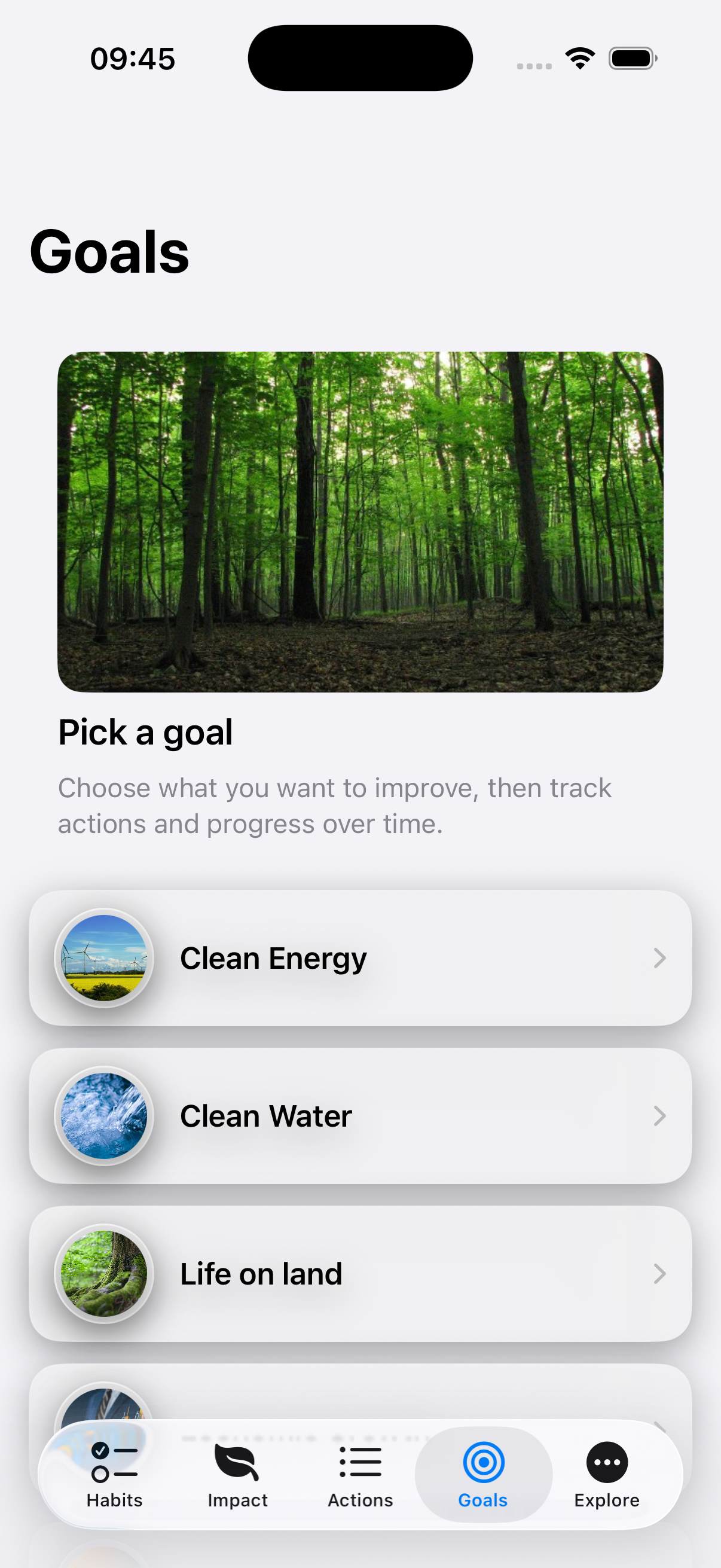
Goals
the Goals screen explains the goal of each action. Each action will be connected to a goal.
-
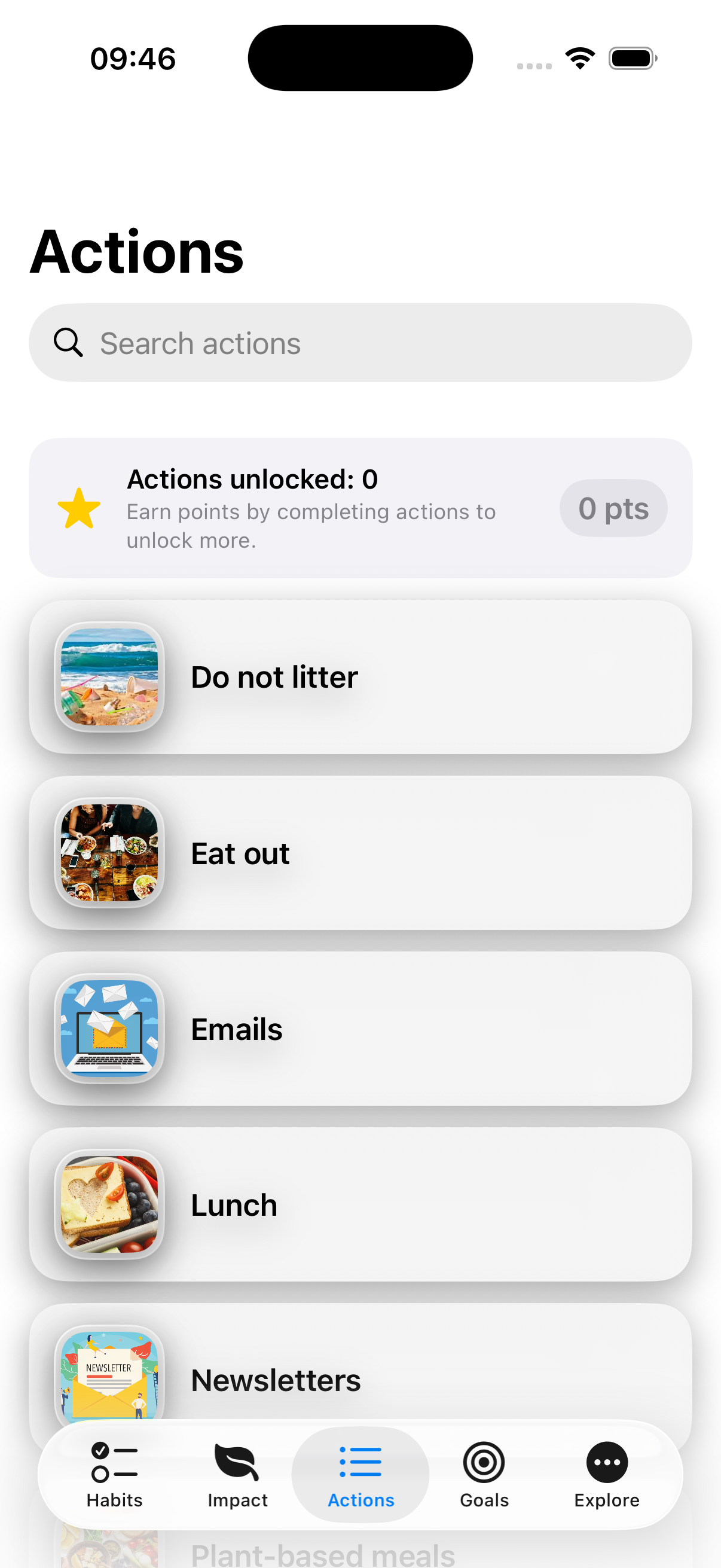
Actions
the Actions screen presents all the actions in the app - you can search the screen to find an action that you can do - if you click on an action it will give you more detailed information
-
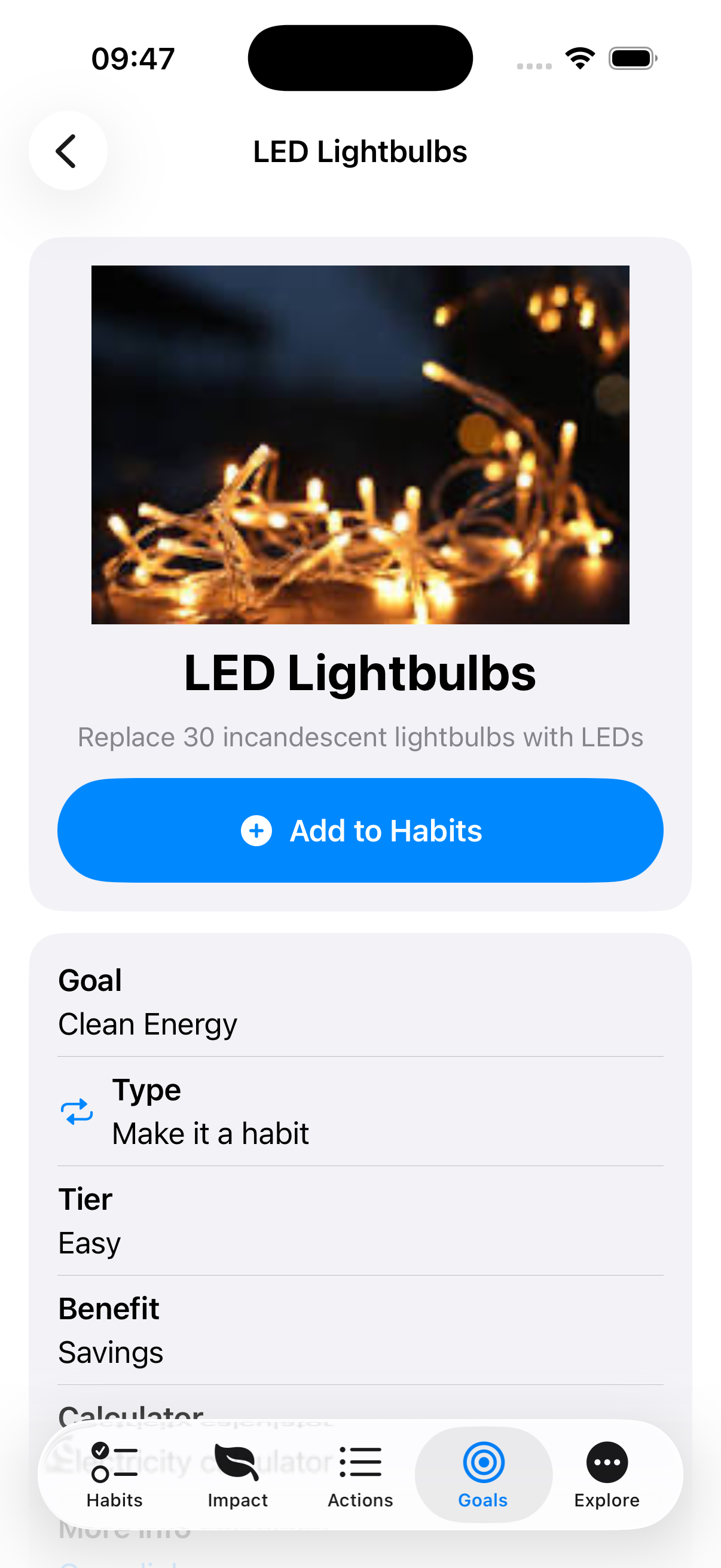
Action Information
the Action Information screen shows you how to perform an action and gives you more background - it also shows you the goal, the type of action (Make it a habit or a Try once), the benefit and the calculator - you can also go to a third party website for more details.
-
Habits
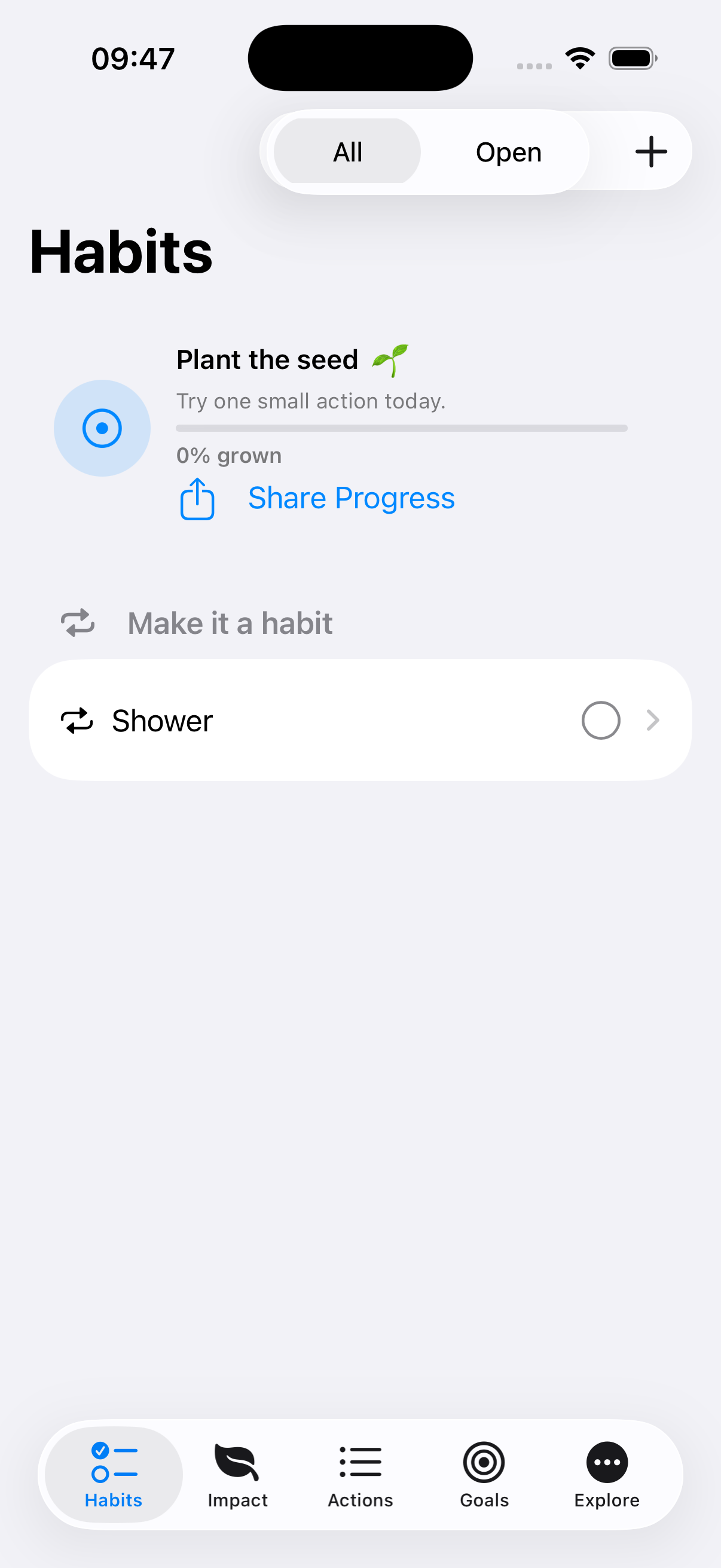
the Habits screen shows all the actions you are working on - you can mark an action completed by clicking the circle. When you select “all or open” you will only see the open actions or all actions. If you tap an action you can edit your performance. With the + button you can add an action.
-
Action Details
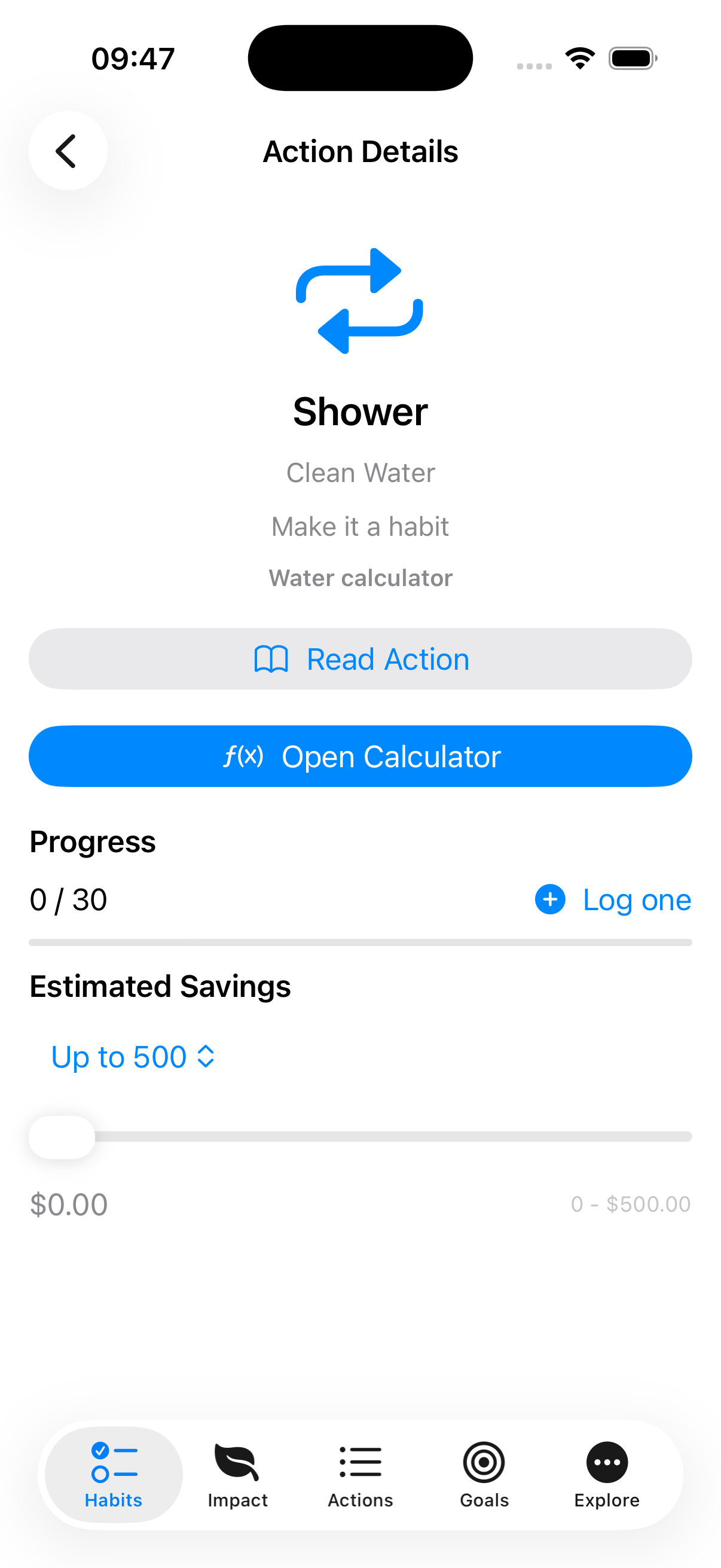
the Action Details screen helps you to select an action and to track it. You scroll to the right action and select it, then you select the type. Each time you perform an action you hit the + button. Good job! You can also add your savings.
-
Your Impact, Clearly Shown
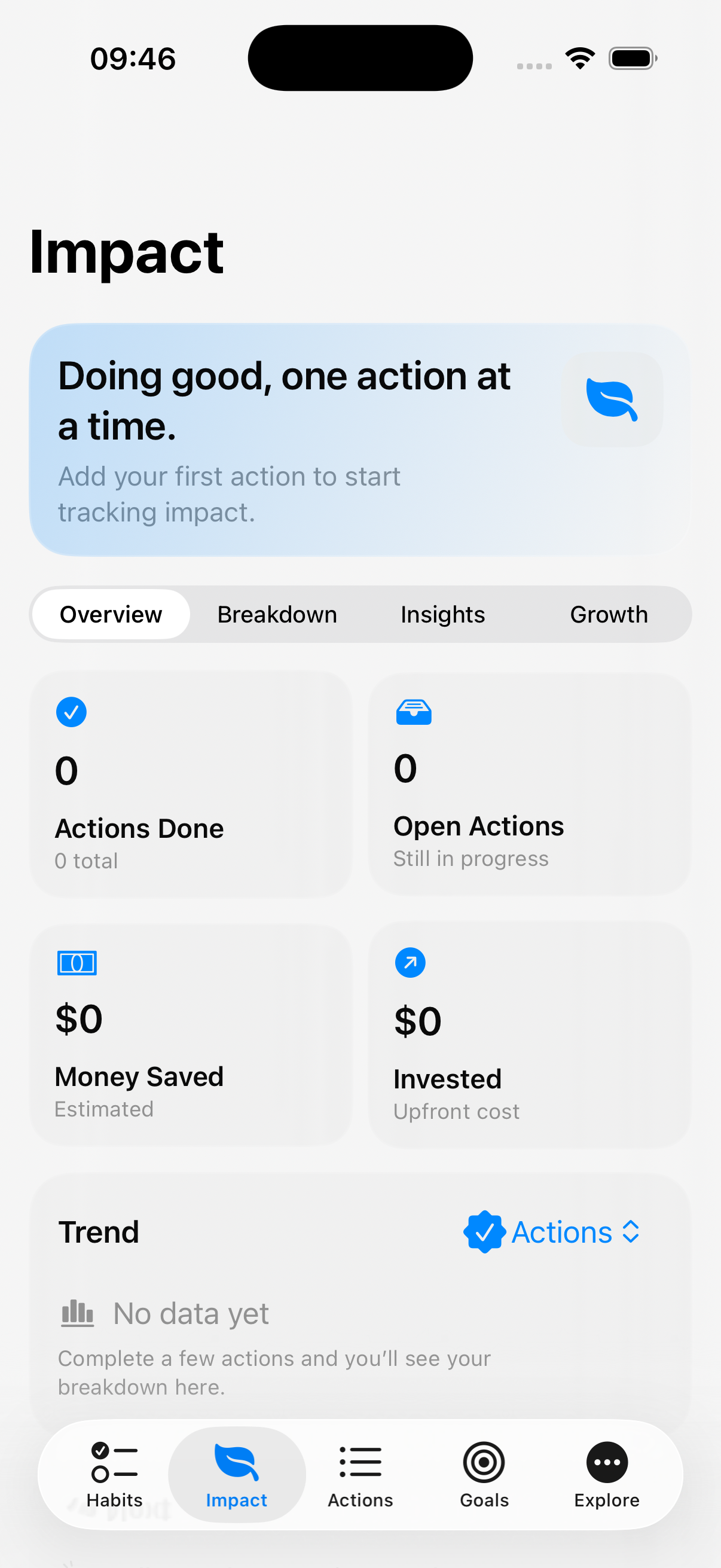
The Impact screen brings your stewardship to life. At a glance, you can see actions completed, actions still in progress, money saved, and money invested — all in a clean, modern dashboard.
Dive deeper with Overview, Breakdown, Insights, and Growth tabs. Track your weekly momentum, discover your most consistent habits, review recent wins, and unlock milestone badges as you level up.
No spreadsheets. No pressure. Just a clear view of the good you’re doing — one action at a time. 🌱
-
Idea
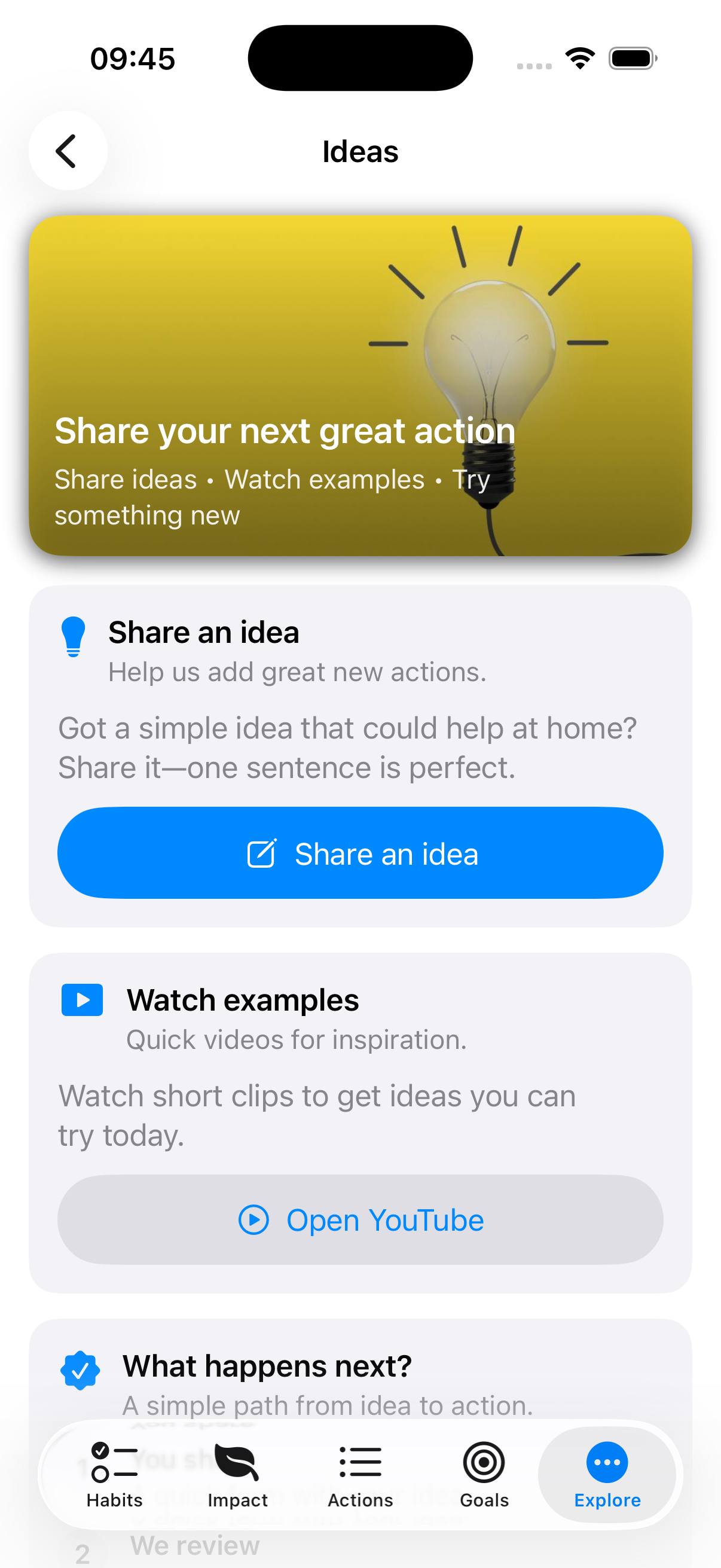
the Idea screen gives you the opportunity to share an idea with our team - if you click the button you will be forwarded to a google form. You can also go to our YouTube channel to see action movies.
-
About
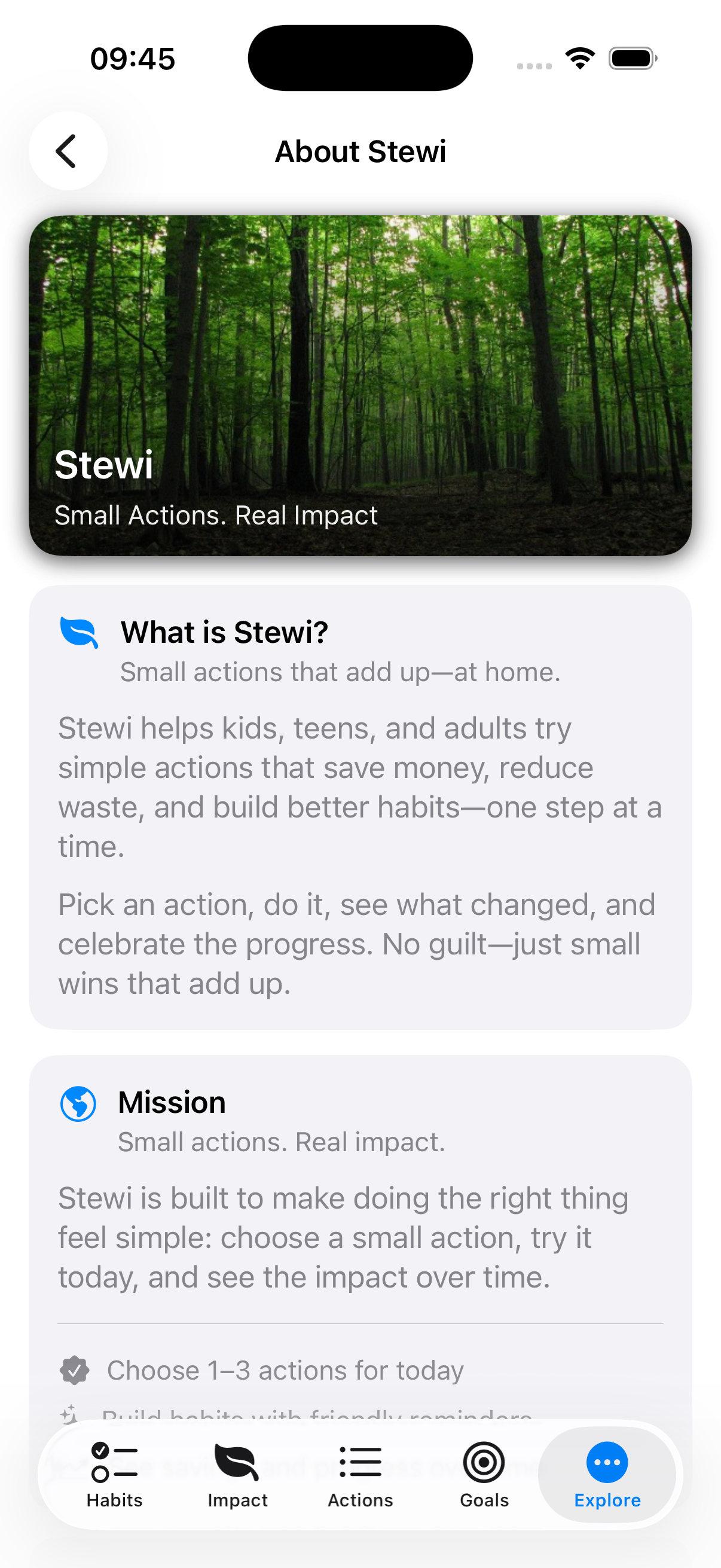
The About screen explains what Stewi is and how it works. It introduces the idea of small, meaningful actions that build better habits, save money, and create real impact over time.
You’ll learn the difference between “Try once” and “Make it a habit” actions, how points unlock more actions, and how Levels, Milestones, and your growing tree reflect your progress.
It also breaks down how impact insights are calculated — simple patterns, not spreadsheets — so you can see momentum without pressure.
Finally, you can connect with Stewi directly, visit the website, or support future development.
Clear. Transparent. Built around stewardship and steady progress. 🌱
-
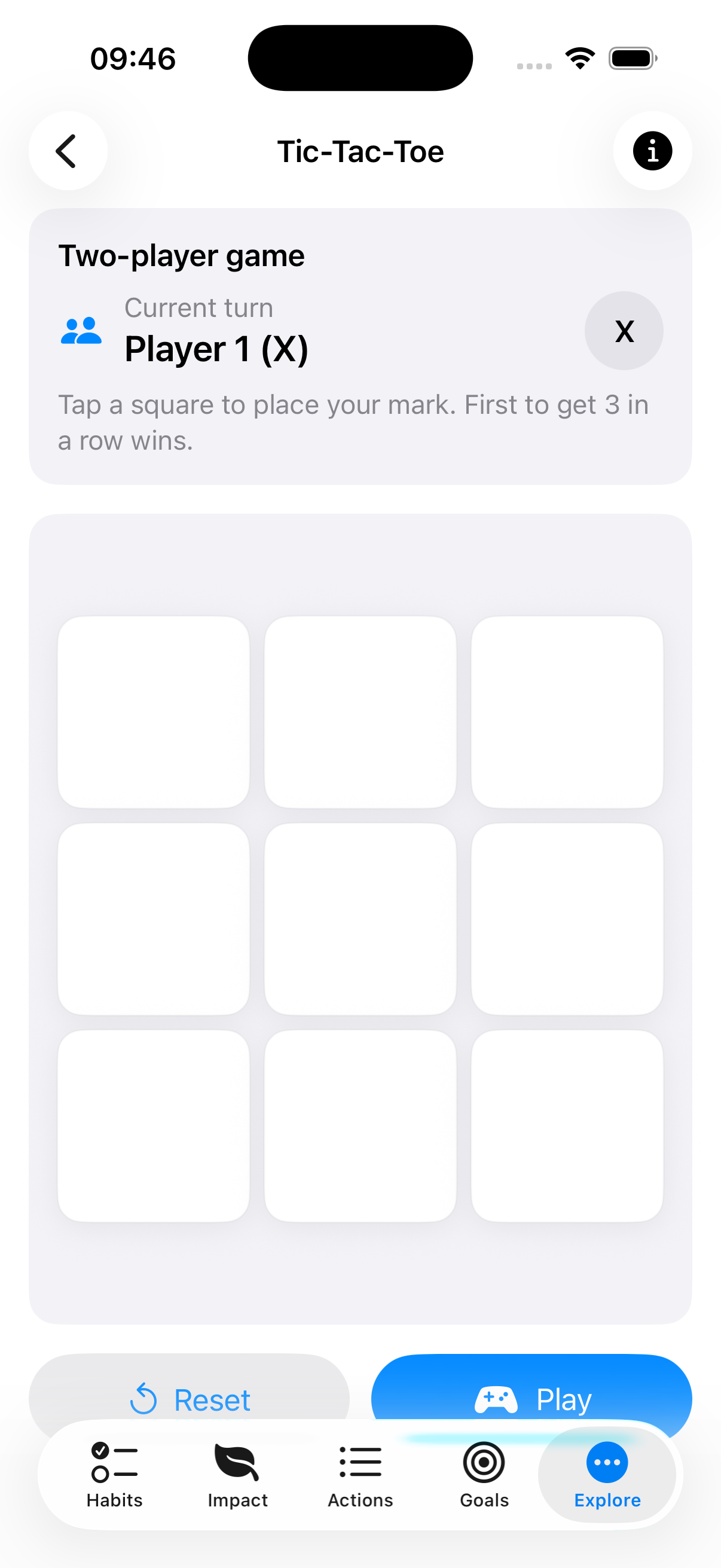
Tic-Tac-Toe
the Tic-Tac-Toe screen is just for fun, you have to invite a friend to play with you, because when we play we play together!